Agents
Copy a prompt, paste it into NocoAI in any base, and replace the words in [brackets] with your own.
- Create an agent that answers questions about [open deals] and [who owns them]
- Create an agent that sums up [last week's new deals] every [Monday] and posts it to [#sales] in Slack
- Create an agent that fills in [missing company details] when a [contact] is added
- Create a coding agent that fixes [reported bugs] and opens a pull request
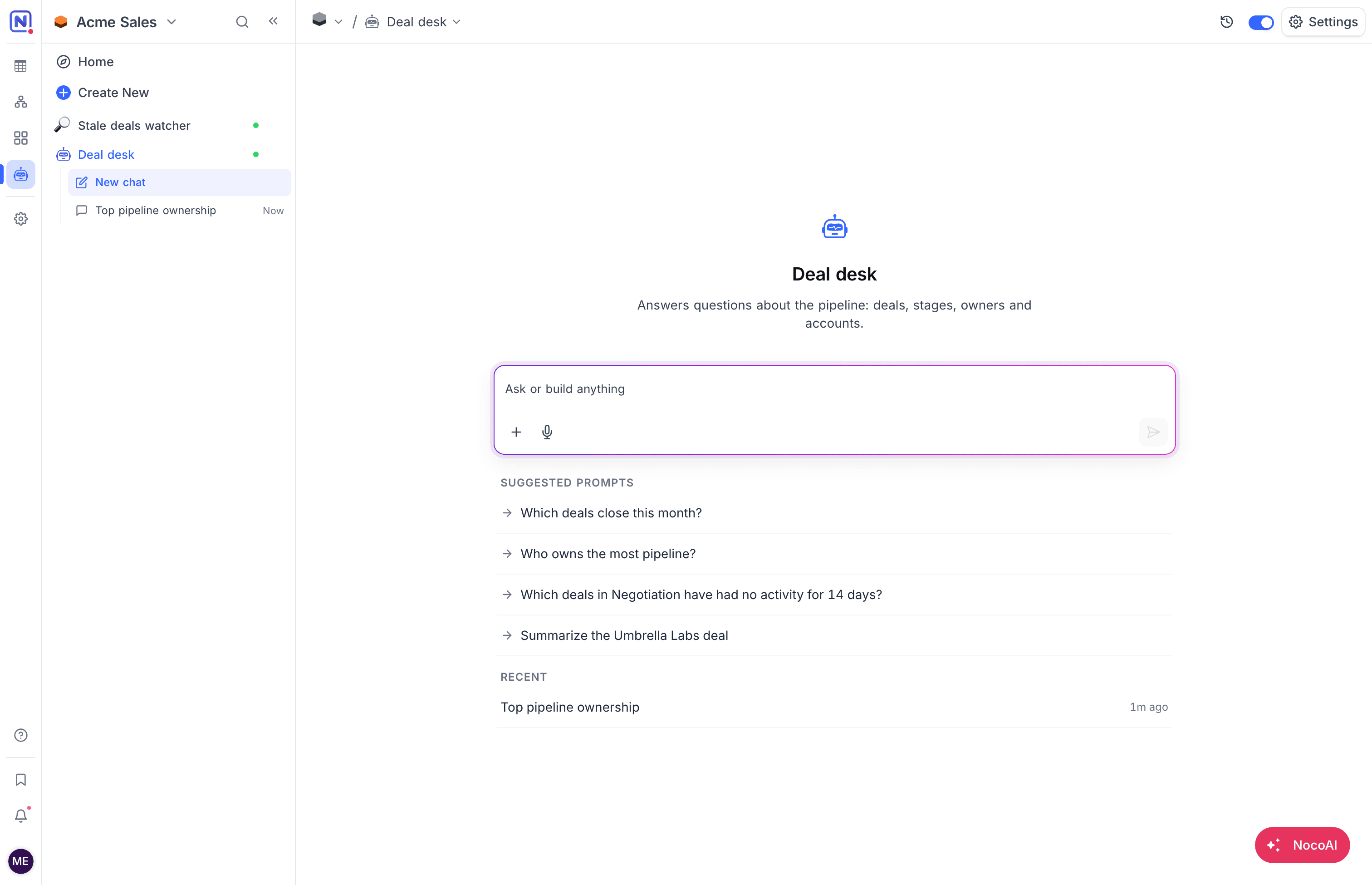
NocoDB agents are AI agents that work inside a NocoDB project. You give an agent instructions and access, and it reads and changes your tables, documents and code. People chat with the agent. The agent can also run on its own, for example on a schedule or when records change. A form, a webhook call or a Telegram message can also start it.
An agent is a member of its project. It has its own project role, and the records it changes show the agent as the author. Its instructions, access and triggers are settings that you can change at any time.
Two kinds of agent
NocoDB has two kinds of agent. You pick the kind when you create the agent, and you cannot change it later.
| General agent | Coding agent | |
|---|---|---|
| What it does | Works across your tables, documents and the web. | Works in your GitHub repositories and opens pull requests. |
| Typical jobs | Answer questions, write digests, triage requests, fill in records, draft replies. | Fix issues, address review comments, make code changes. |
| Where it runs | A managed machine that NocoDB sets up for it. | A machine that you configure, with a new copy for each run. |
| What it gives back | A reply in chat, an email, or a Slack message. | A branch and a pull request, with a live preview while it works. |
| Read more | AI Agents | Coding Agent |
Agent or workflow?
A NocoDB workflow and an agent can both start when a record changes or on a schedule. They suit different jobs.
| Use | When the job |
|---|---|
| A workflow | Is a fixed sequence of steps: when X happens, set Y, then send Z. Every run does the same thing. |
| An agent | Needs judgment: to read records, decide what matters, answer, summarize, triage, draft or fix code. |
How agents are structured
A NocoDB agent uses the concepts in this table:
| Concept | Description |
|---|---|
| Agent | An AI agent in one project. Each agent has a name, instructions, access and triggers. The mini sidebar of the project lists agents under Agents. |
| Instructions | What the agent must do, written as you would brief a teammate. See Instructions and files. |
| Files | Reference files that the agent reads on every run, for example a price list or a style guide. See Files. |
| Tools and access | What the agent can read and change: tables and records, documents, and the web. See Tools and access. |
| Agent role | The project role of the agent: Viewer, Commenter or Editor. The role limits what the agent can do. See Roles and permissions. |
| Trigger | An event that starts the agent without a chat, for example a schedule or a new record. See Triggers and results. |
| Results | Where an agent sends what it finds after a triggered run: the chat, an email or a Slack channel. See Results. |
| Channel | A chat platform where people can message the agent outside NocoDB. See Channels. |
| Skill | A reusable set of instructions that the agent loads when it is relevant. See Skills. |
| Session | One chat with the agent, or one run that a trigger started. See Chat with an agent. |
| Repository | A GitHub repository that a coding agent works in. See Repositories and code settings. |
| Machine | The computer that a coding agent runs on, with the languages, databases and tools that your code needs. See Machines. |
Who can do what
Each action on NocoDB agents needs a minimum project role:
| Action | Minimum project role |
|---|---|
| Create, change, turn on or off, duplicate and delete agents | Creator |
| Start and open coding sessions | Editor |
| Chat with an agent and see its triggered runs | Viewer |
For the full list, see Roles and permissions.
Get started
To start with NocoDB agents, pick the kind of agent:
- An AI agent for your data: create an agent, or start from a template. Then review its instructions, access and triggers, and turn it on.
- A coding agent for your repository: set up a coding agent, and give it a first task. Read Write good tasks for better pull requests.
You can also ask NocoAI in the chat to create an agent for you. See Ask NocoAI to create an agent.
Availability
NocoDB agents are available on these plans and editions:
| Agents | |
|---|---|
| NocoDB Cloud, Plus, Business, Scale and Enterprise plans | General agents and coding agents |
| NocoDB Cloud, Free plan | Not available |
| Self-hosted NocoDB | Not available |
Agents use the credits of the workspace. An agent uses credits for its AI model, by token, and for the time its machine runs. Web searches also use credits. Agents that run on an AI integration with your own API key do not use credits for the model: your provider bills you directly.
Related
Last updated on