Sync with Data Source
To sync changes done in the external data source with NocoDB, open External Database in Base Settings → Manage, select the data source you wish to sync metadata for, and follow the steps below:
- Click on the
Meta Synctab - Click on the
Reloadbutton to refresh Sync state (Optional) - Any changes to the metadata identified will be listed in the
Sync Statecolumn - Click on
Sync Nowbutton to sync the metadata changes - Once the sync is complete, you can see the updated state in the
Sync Statecolumn
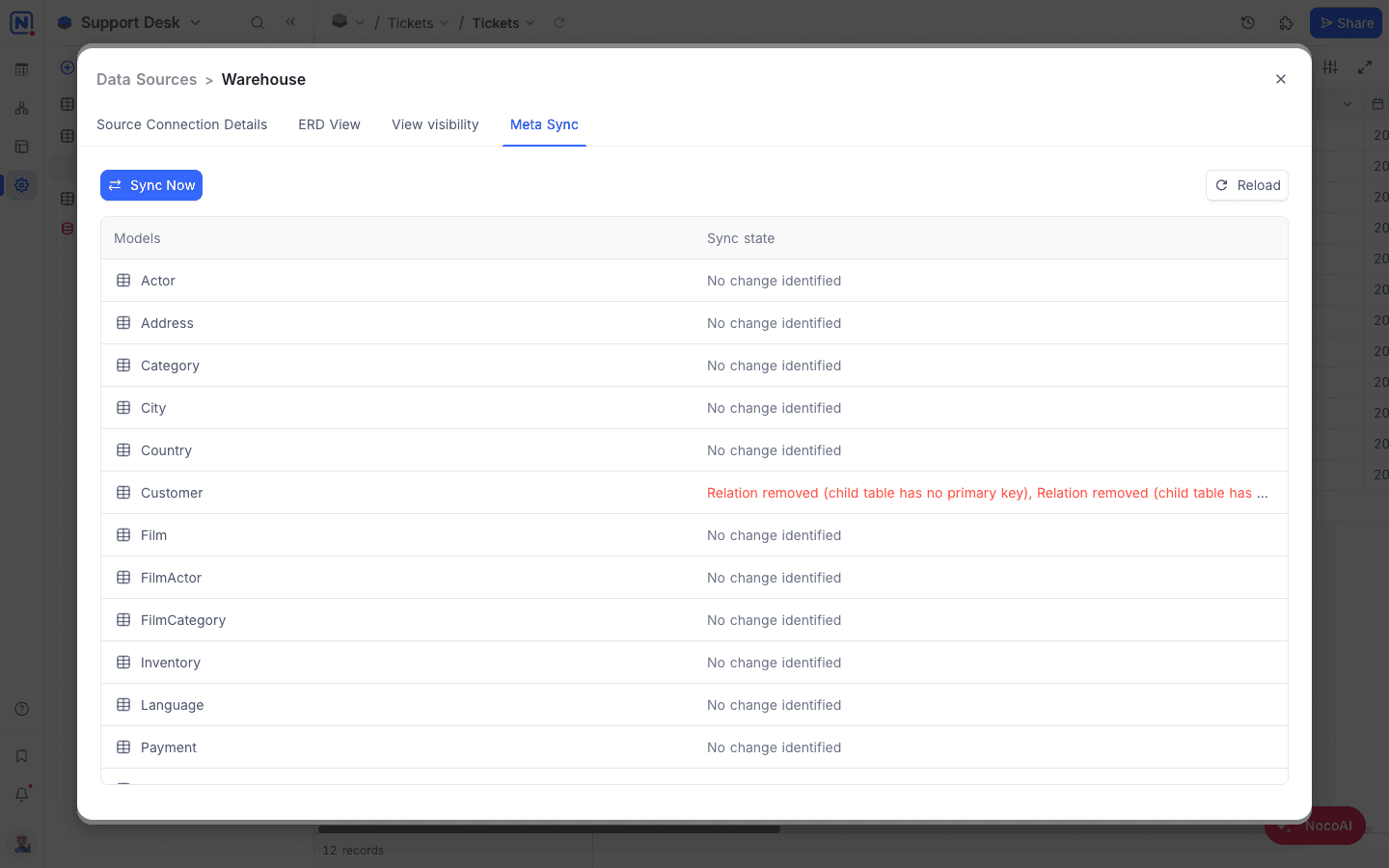
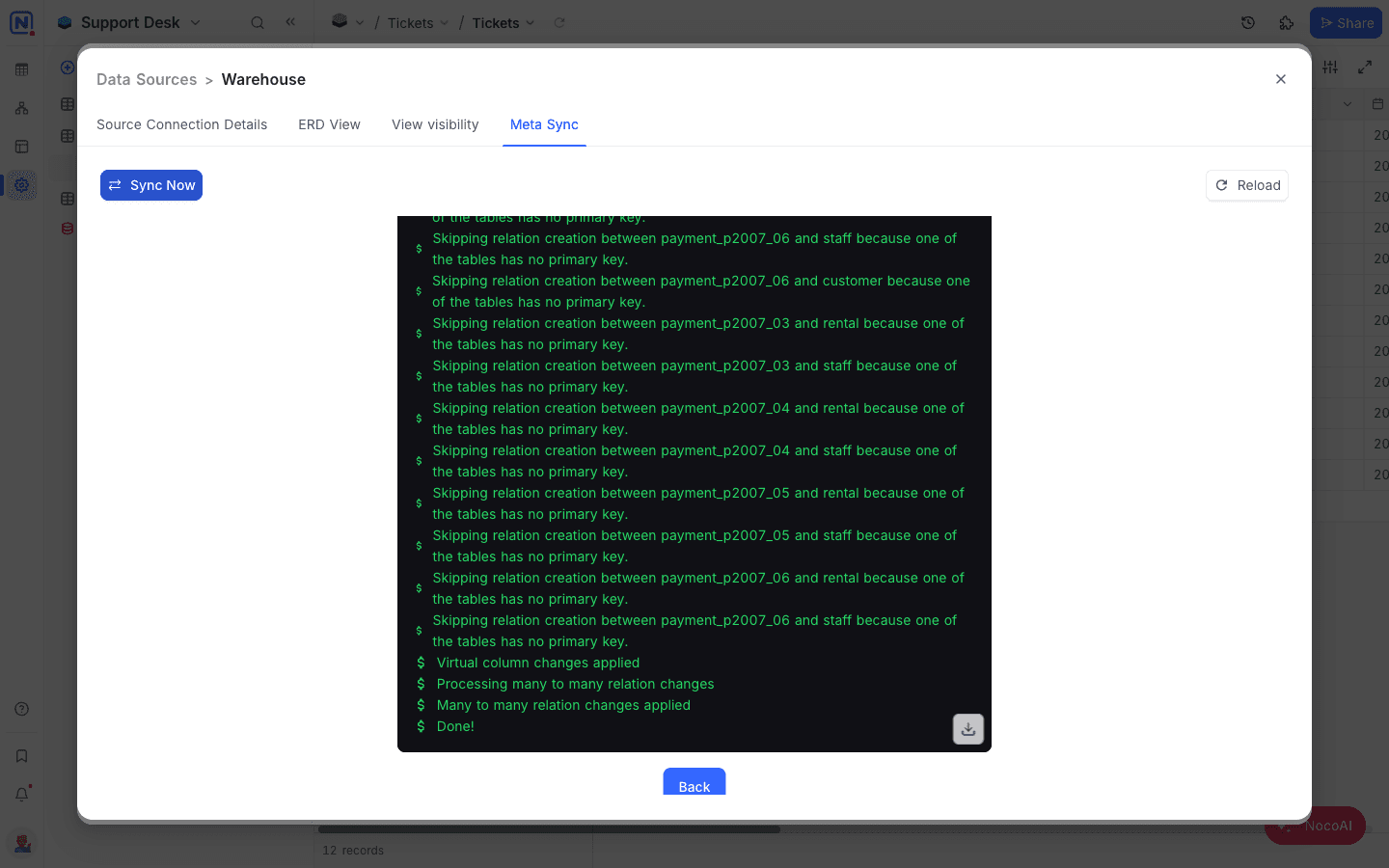
After the sync is complete, you can see the updated state in the Sync State column.
Sync modal also marks Tables metadata is in Sync in the header.
Related
Last updated on
Latest product updates?See Changelog