Actions on Data Sources
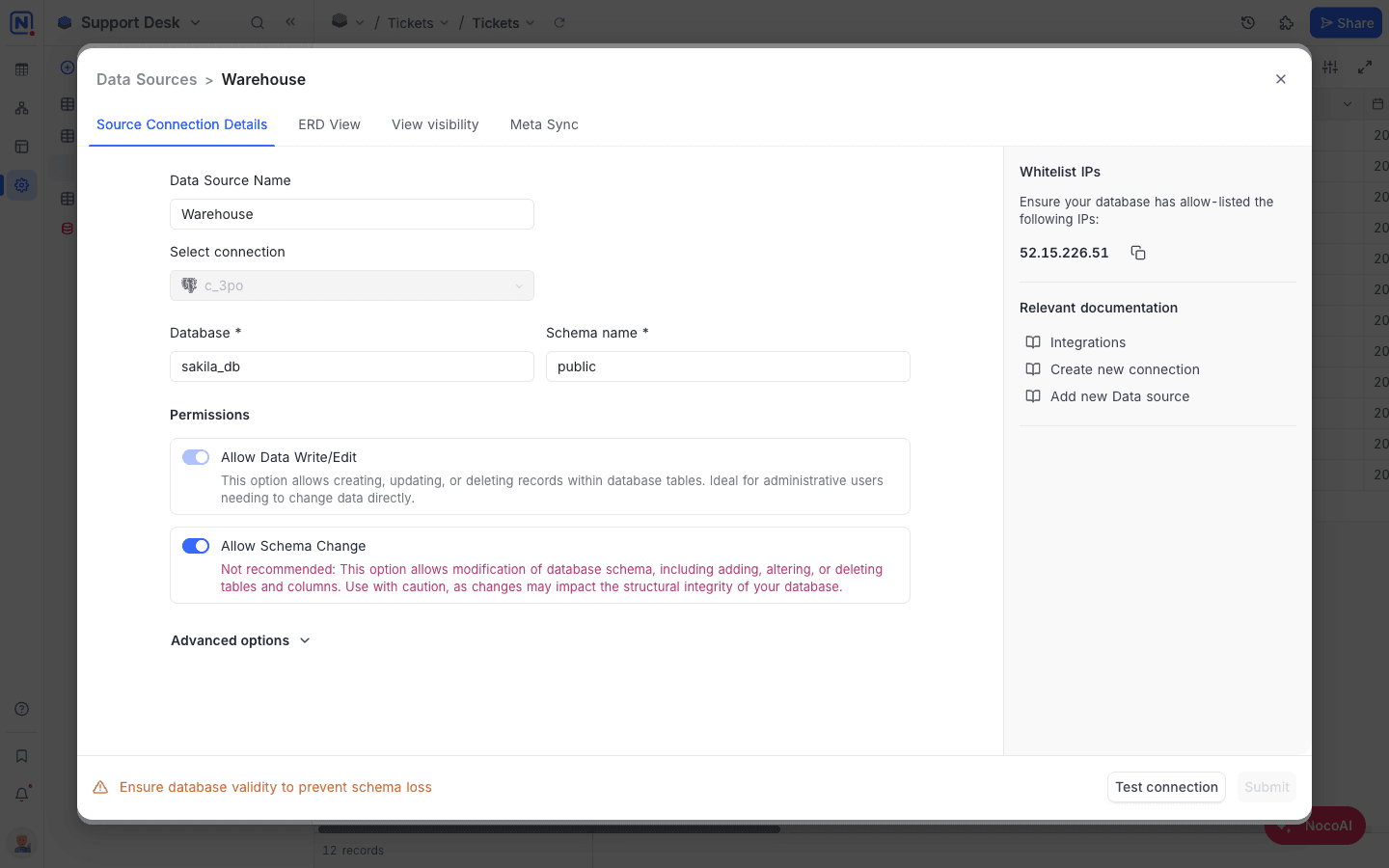
Edit Data Source parameters
- Open External Database in Base Settings → Manage
- Click on the data source that you wish to edit
- Re-configure data source parameters as required. The following parameters can be edited:
- Data source name
- Database & Schema
- Data source access permissions
- Click on
Submitbutton to save the changes
To change database connection configuration parameters (like host, port, and such) use Edit connection option. Edit connection option is available only for the users with Workspace Creator+ permissions
Remove data source
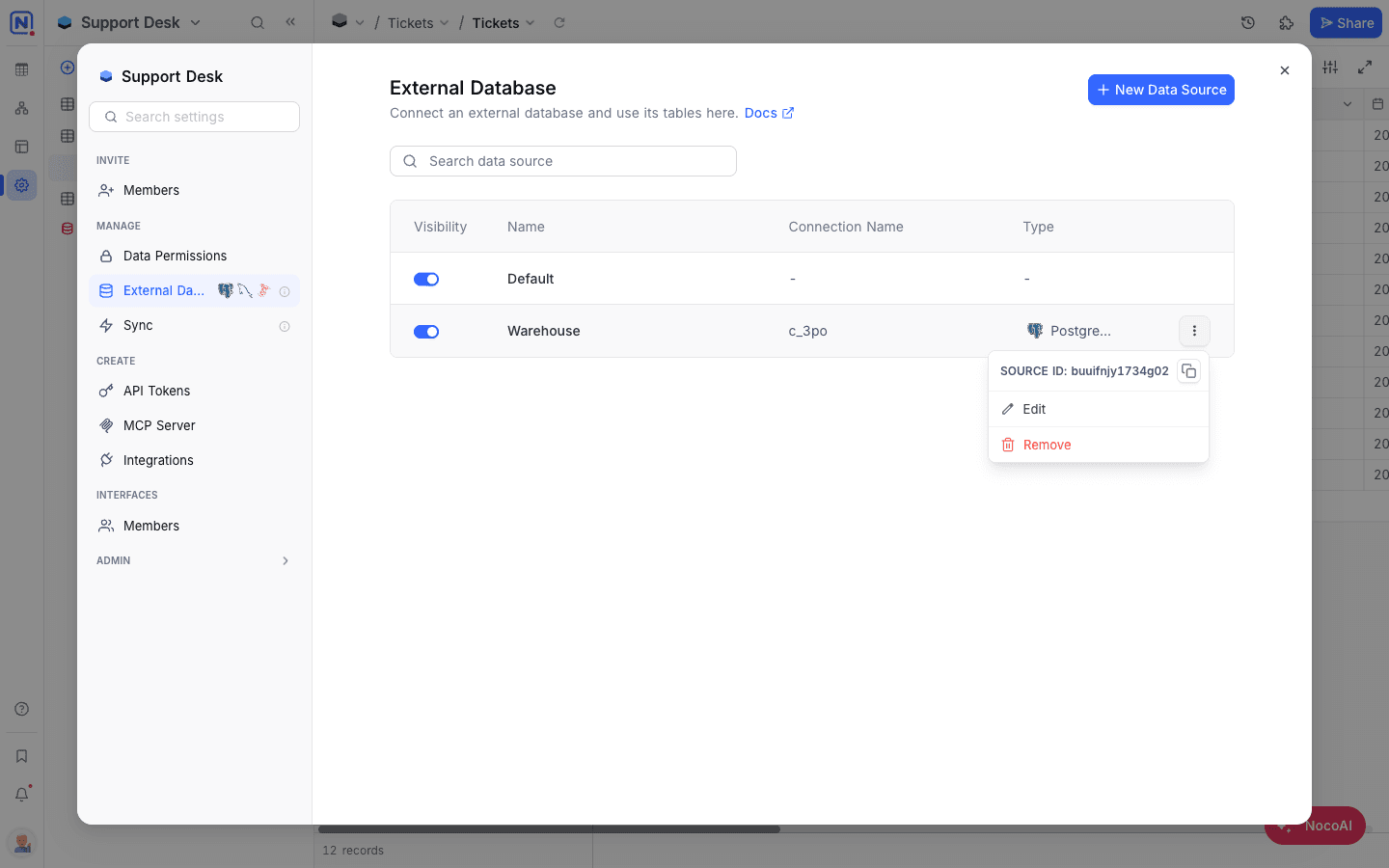
Open External Database in Base Settings → Manage
- Click on Actions button (three dots) against the data source that you wish to remove
- Select
Removeoption from the dropdown
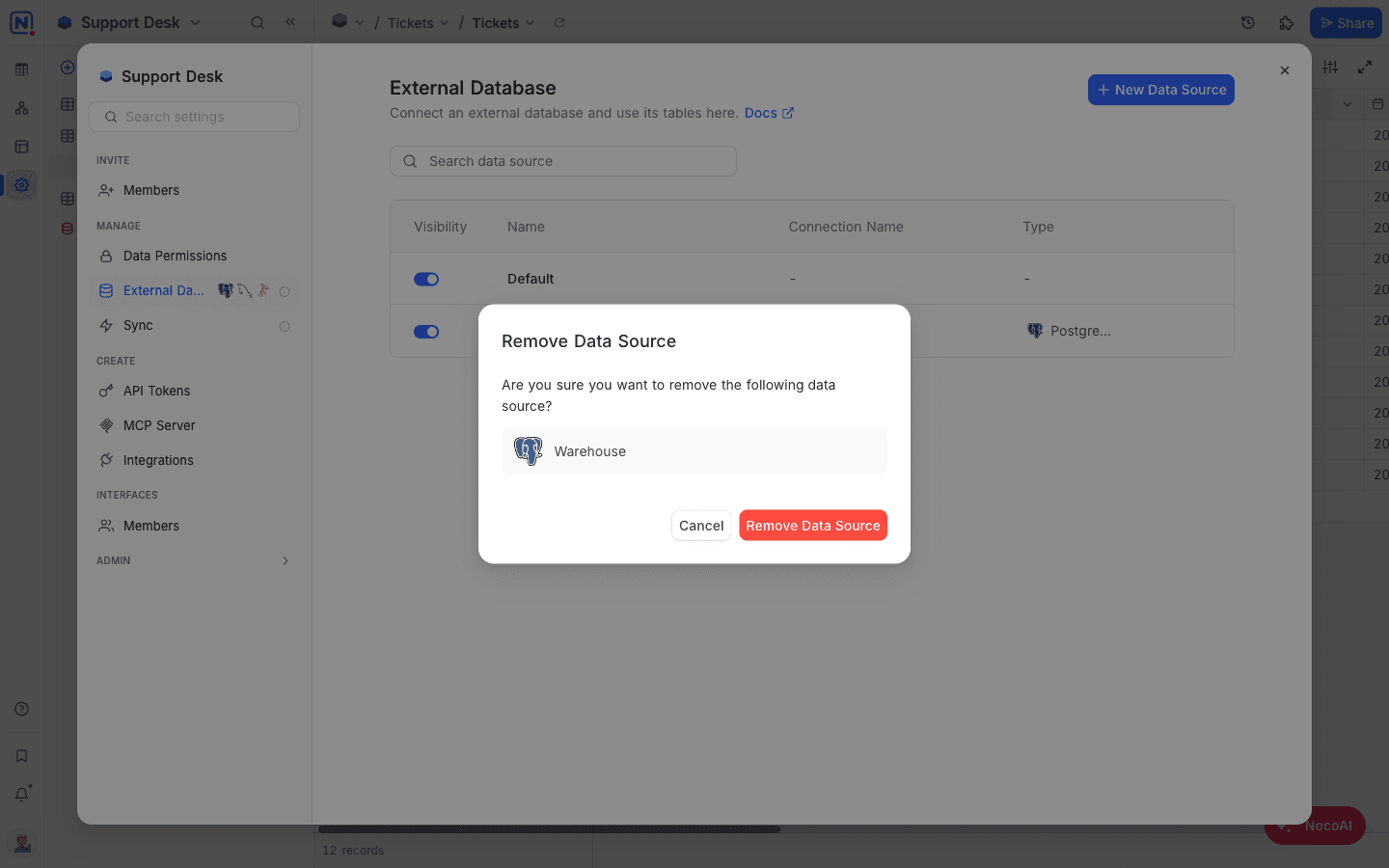
Removing a data source will not delete the external data source. It will only remove the data source from the current base
A base's own default source cannot be removed, and a base must always keep at least one source.
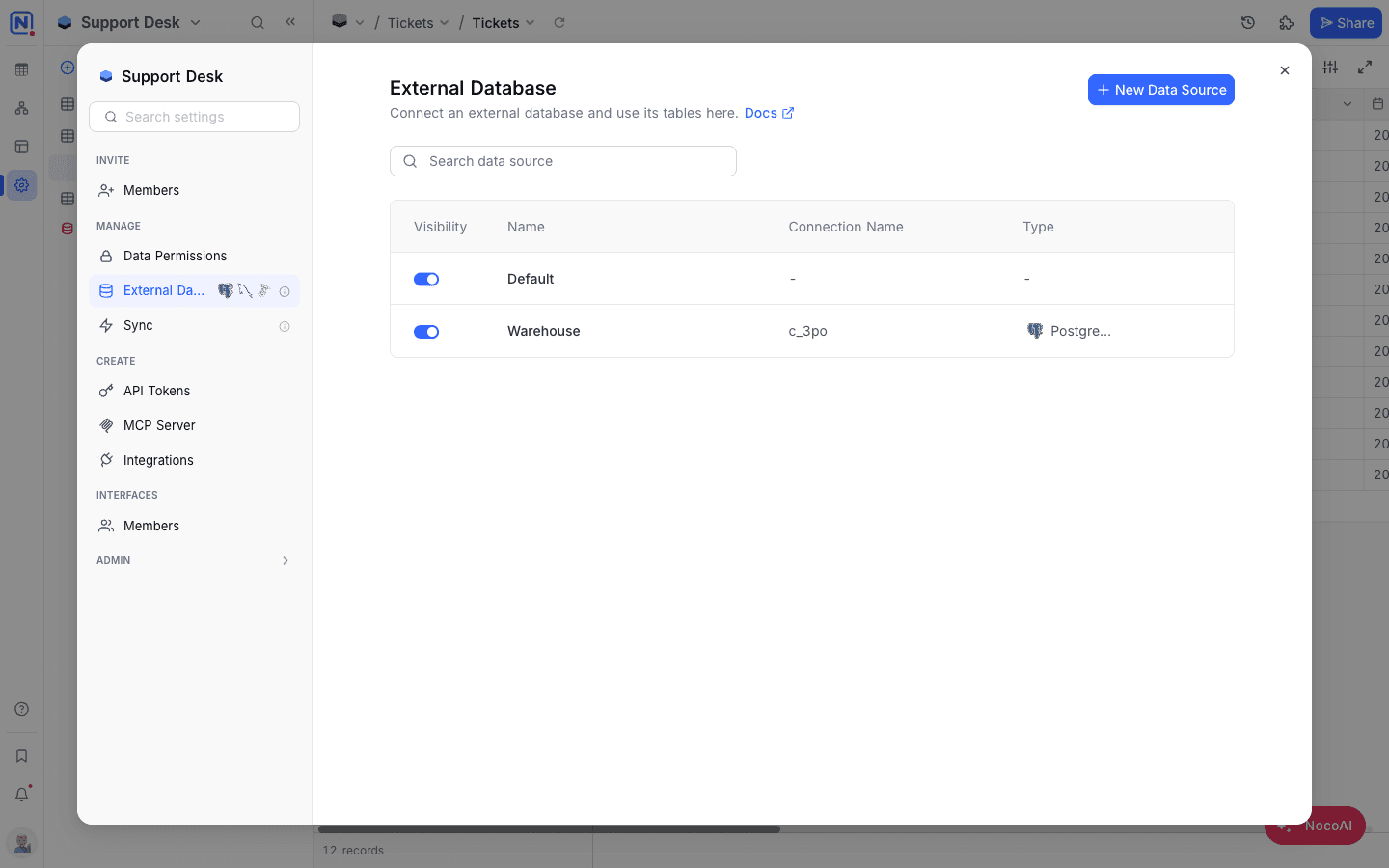
Data source visibility
- Open External Database in Base Settings → Manage
- Use the toggle in the Visibility column for the data source that you wish to hide or un-hide
View visibility
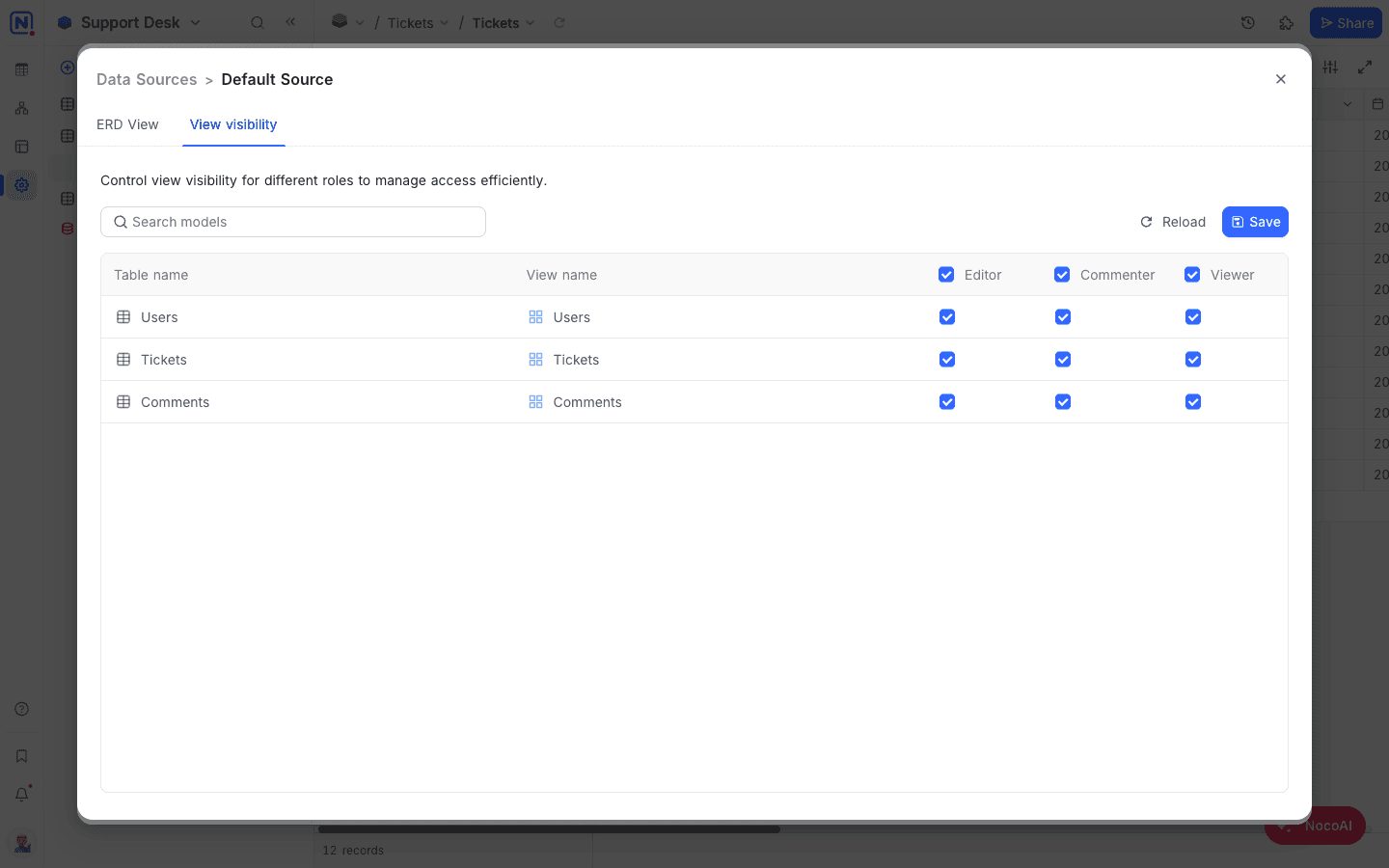
Open External Database in Base Settings → Manage, select the data source that you wish to configure view visibility for and follow the steps below:
- Select
View visibilitytab - You can see the list of views & tables available in the data source as rows & roles available as columns. Toggle checkboxes to enable/disable access to tables for specific roles.
- Click on
Savebutton to save the changes
Relations
- Open External Database in Base Settings → Manage
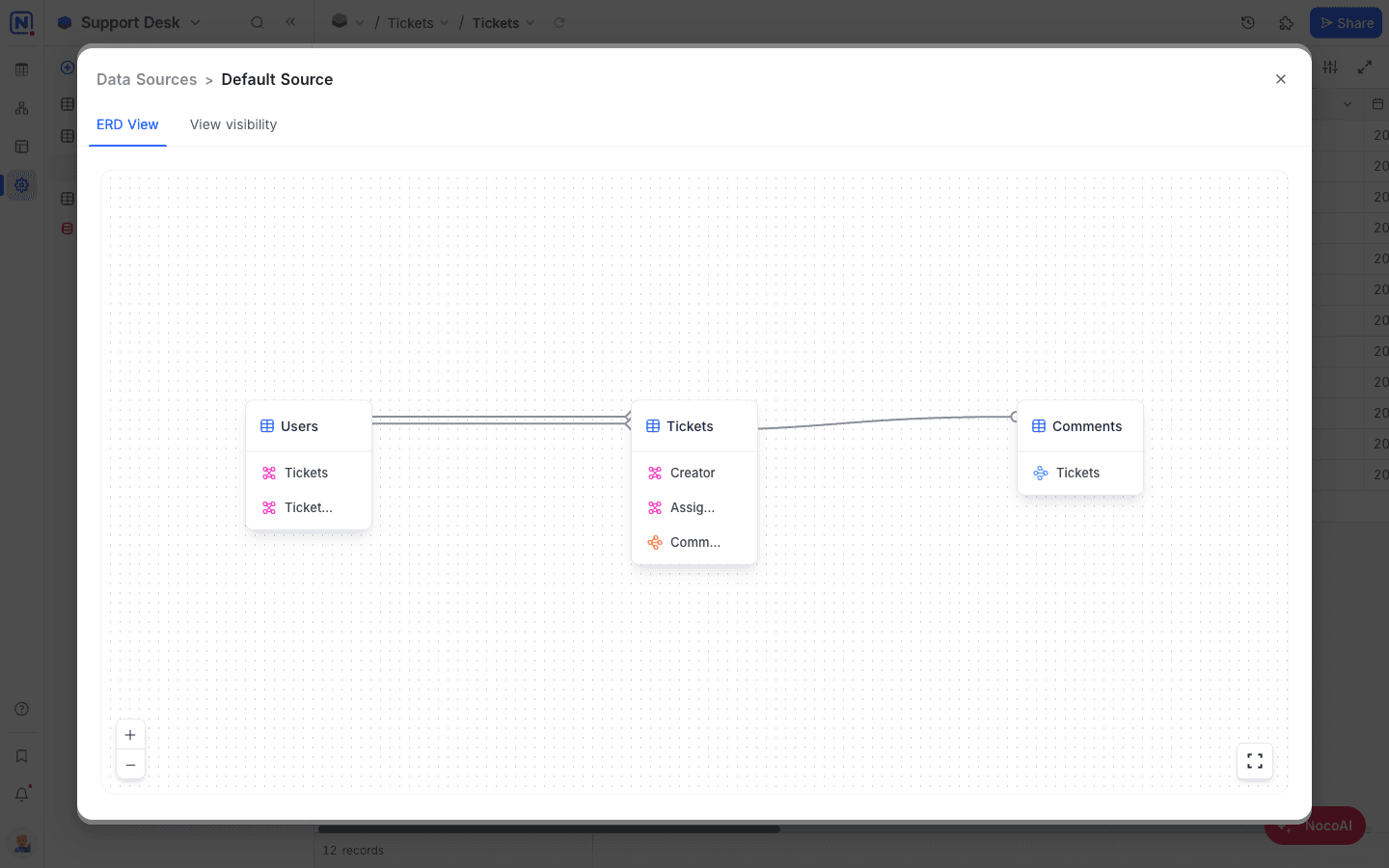
- Select the data source that you wish to access ERD (Relations view) for
- Click on
ERD Viewtab
Last updated on
Latest product updates?See Changelog