Data Sources
Overview
NocoDB allows you to connect to external data sources and get a unified spreadsheet view of your data. Activities related to external data sources can be managed from Base Settings → Manage → External Database.
External Database settings include following functionalities
- Connect / manage external data source
- UI Access Control
- Relations (ERD View)
- Meta Sync
Accessing Data Sources
- Open the base and go to Base Settings → Manage → External Database.
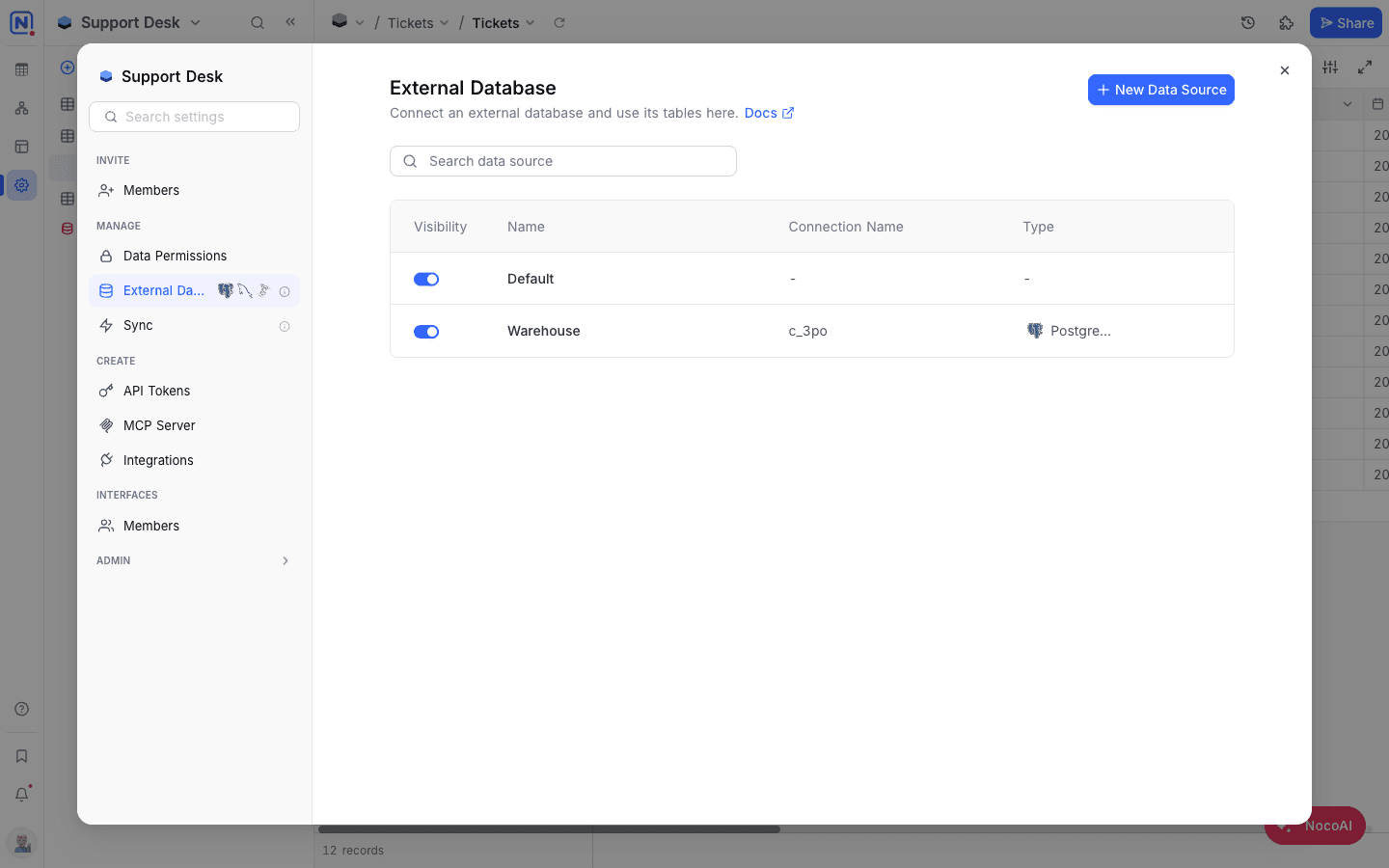
Learn more about working with Data sources in the following sections:
Last updated on
Latest product updates?See Changelog