Bases
Overview of bases in NocoDB and how they help organize data and collaboration.
In NocoDB, a base is the core structure where your data lives. It contains tables, views, forms, dashboards, and more — a complete environment for organizing and collaborating on data. Each base belongs to a specific workspace.
The person who creates a base becomes its owner, and a base must always have at least one owner. Ownership can be shared, with multiple owners having full control over base settings and permissions.
Base-level Permissions
Each base has its own set of members and permissions, independent of workspace-level access. This allows fine-grained control over who can view or edit content within a base. See Base Collaboration for details on managing members, and Table Permissions / Field Permissions for granular access control.
Base Dashboard
The base dashboard is the landing page when you open a base. It provides quick access to common data actions.
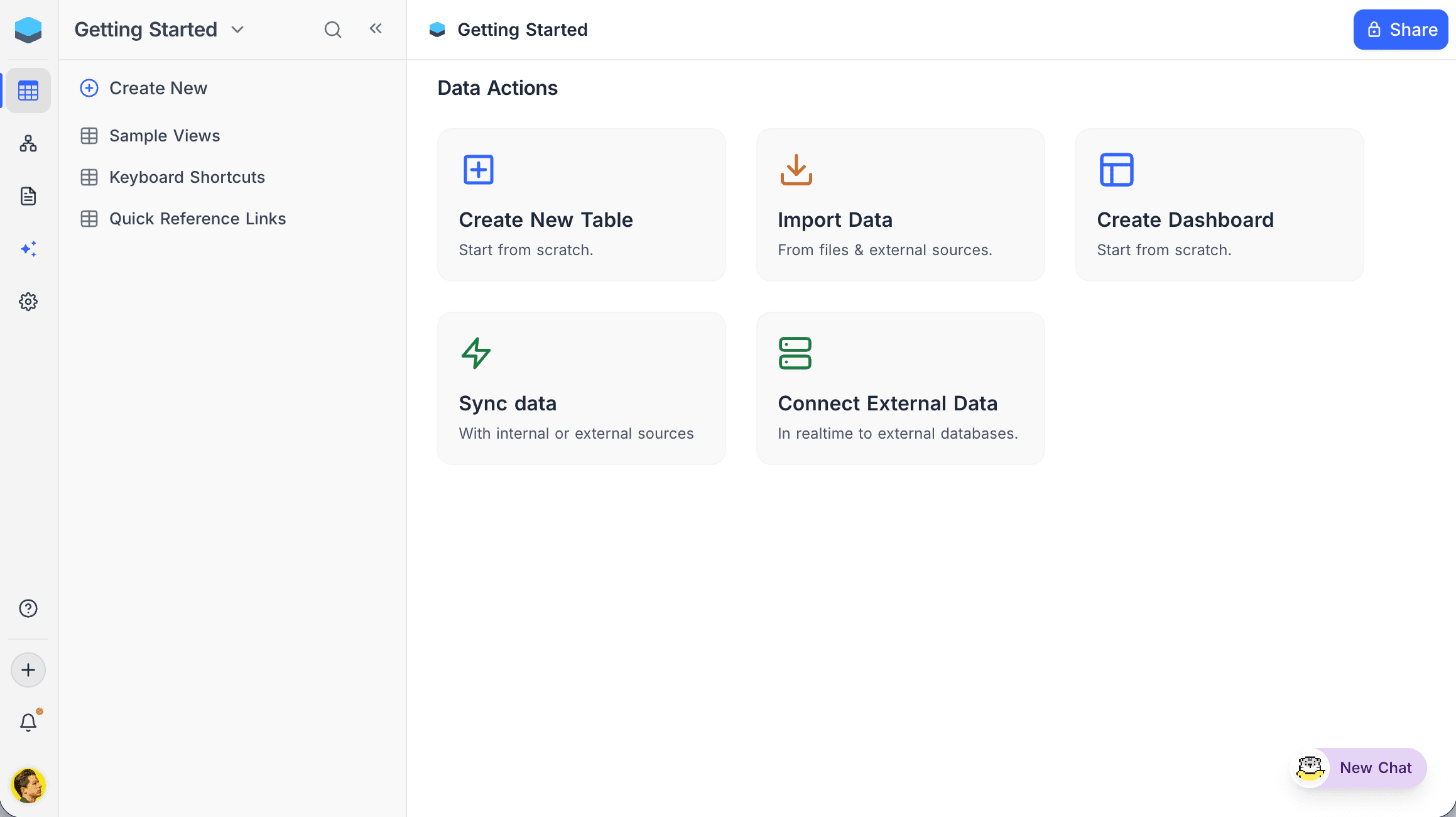
Data Actions
- Create New Table — Start building a table from scratch.
- Import Data — Upload from files and external sources.
- Create Dashboard — Build dashboards with charts and widgets to visualize data.
- Sync Data — Mirror a Grid view from another base (NocoDB Sync) or pull data from an external system (App Sync).
- Connect External Data — Connect in realtime to external databases like MySQL or PostgreSQL.