Create Record
Use the Create Record action node in NocoDB workflows to create new records in a specified table. Use this node to add data that depends on the logic and inputs of the workflow.
Ask NocoAI
Copy a prompt, paste it into NocoAI in any base, and replace the words in [brackets] with your own.
- When a [Deal] moves to [Won], create a record in [Projects] with the deal's [Name]
- When a record is added to [Orders], create a record in [Shipments] linked to it
- Every [Monday], create a [Weekly Report] record
Configuration
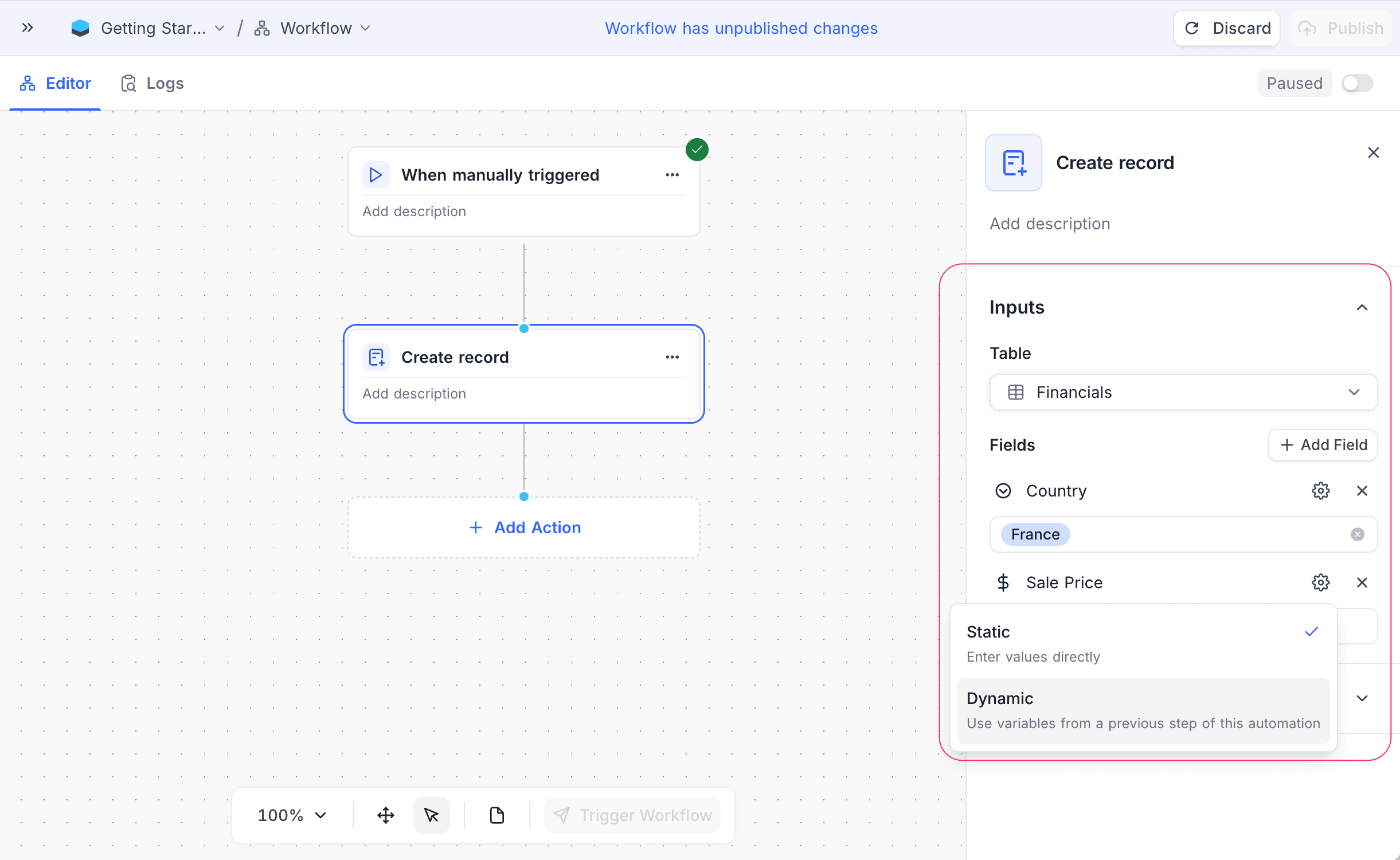
- Table: Select the table for the new record.
- Fields: Click Add Field to specify the fields and their values for the new record. You can use static values or map data from previous nodes in the workflow.
How it works
- When the workflow gets to the Create Record node, the node creates a new record in the selected table. The record gets the defined field values.
- Sometimes the node cannot find a mapped field on the table any more. For example, the field was deleted after the workflow was published. Then the node skips that field and writes a warning with the field name in the execution logs. It creates the record with the other fields.
- Later nodes in the workflow can use the data of the new record.
Use cases
- Automatically add new entries from user input or external data sources.
- Create related records in different tables in a multi-step process.
- Add new records to logs or audit trails when specific actions occur in the workflow.
Availability
- Available on NocoDB Cloud (all plans) and licensed on-premise deployments.
Last updated on
Latest product updates?See Changelog