Connect Windsurf to NocoDB
Windsurf works with NocoDB through the NocoDB MCP server. You paste the JSON block from your MCP connection in NocoDB into the Cascade MCP plugins of Windsurf.
| Windsurf | |
|---|---|
| Type | Desktop |
| How it connects | JSON block, over HTTP |
| You need | An MCP connection |
Set up Windsurf
Windsurf connects directly to the MCP endpoint over HTTP. Thus it does not need the mcp-remote bridge. Its JSON block carries the endpoint URL and the token header.
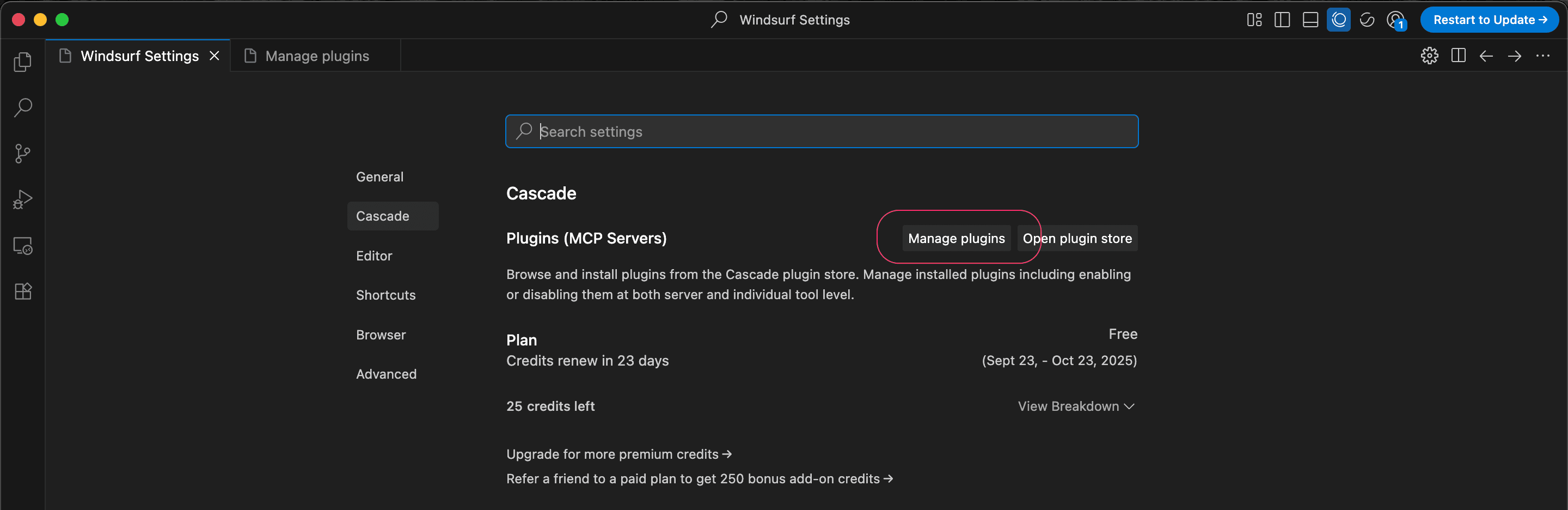
- Open Windsurf Settings (
⌘+,). - In the Cascade section >
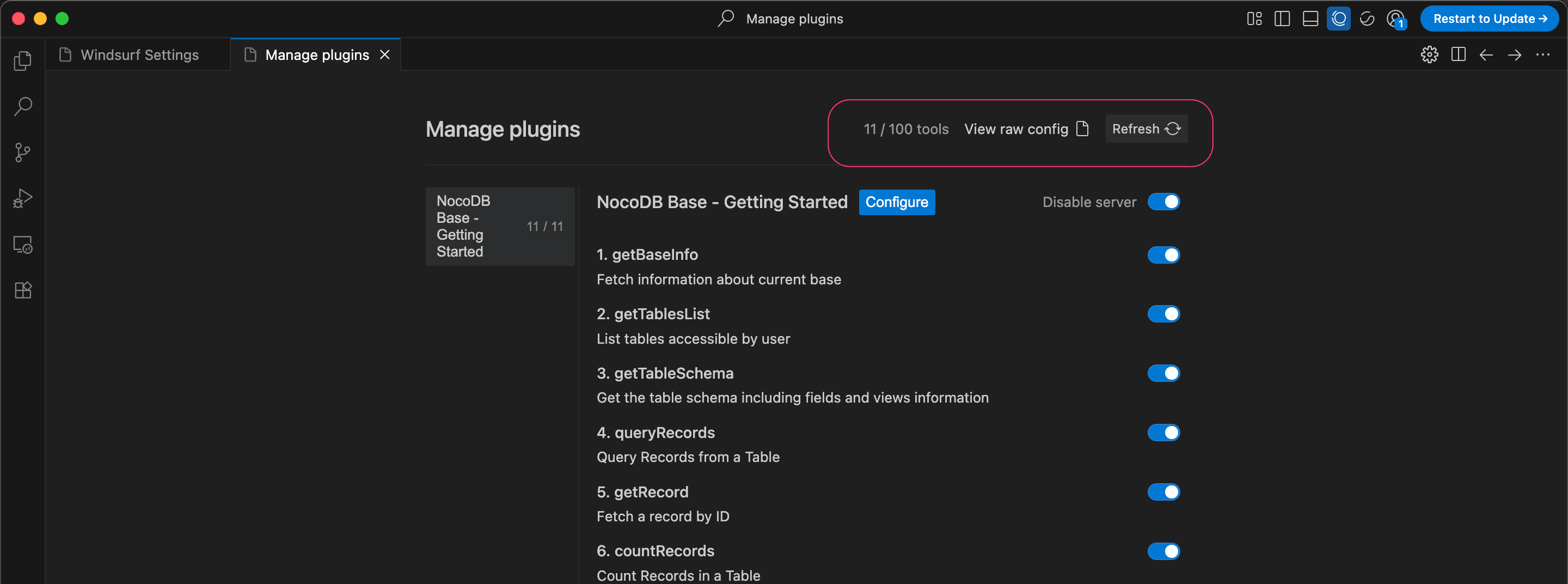
Plugins (MCP Server), click Manage Plugins. - Paste the JSON block that you copied here.
- Save.
Configuration example
Cursor and Windsurf connect over HTTP, so their block carries the endpoint URL and the token header. Cursor names the address url, and Windsurf names it serverUrl:
{
  "mcpServers": {
    "NocoDB MCP": {
      "url": "https://your-domain.com/mcp/<ncId>",
      "headers": { "x-api-key": "<ncToken>" }
    }
  }
}
The JSON block contains your MCP token, which gives access to your NocoDB projects. Do not put it in source control.
Related
Last updated on
Latest product updates?See Changelog