Search
NocoDB provides a quick search feature in the toolbar that helps you locate records efficiently across large datasets. You can search by a specific field or across all fields, and combine this with filters to narrow down the results further.
To use search:
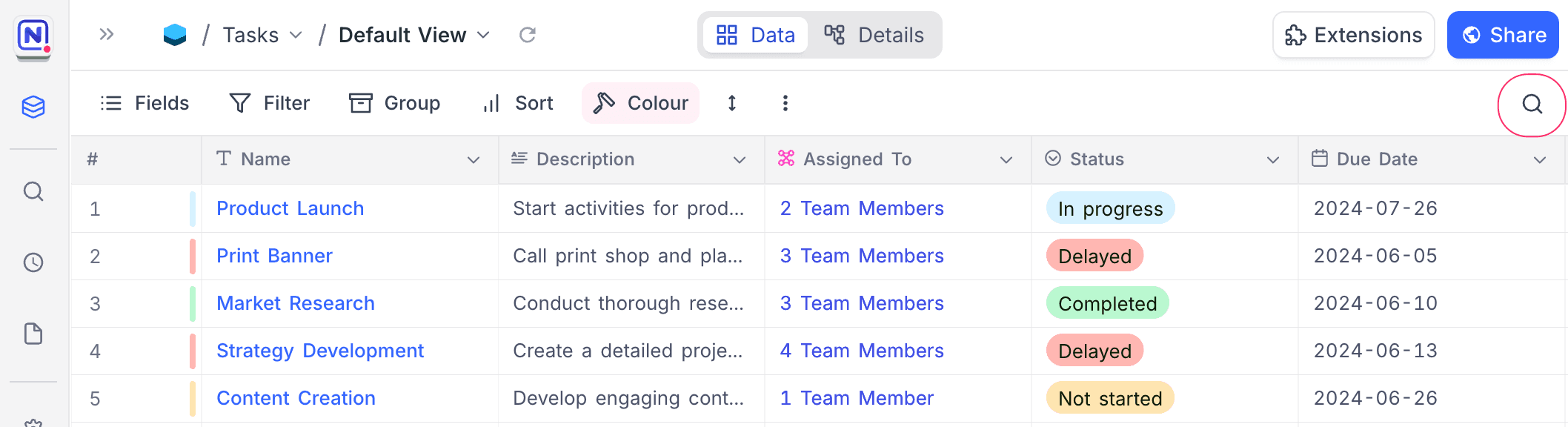
- Click the Search button in the toolbar.
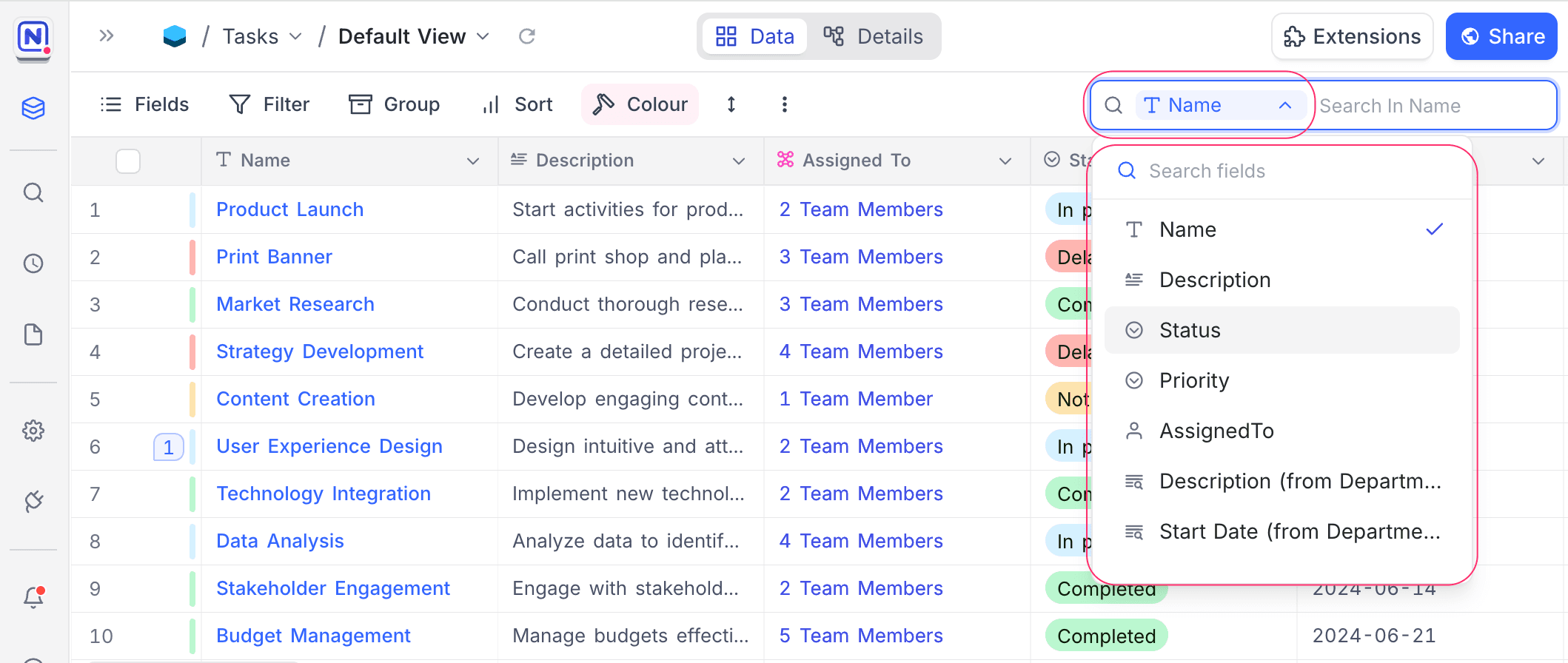
- (Optional) Select the Field to search within.
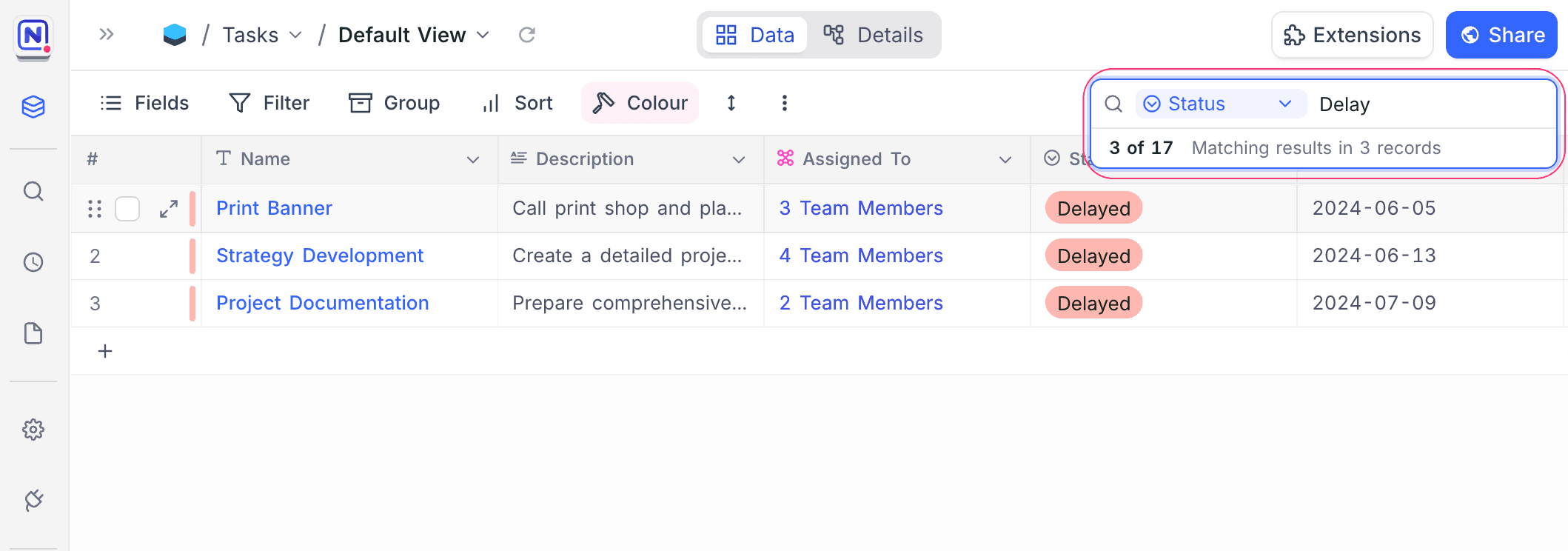
- Enter your search term in the search bar.
Last updated on
Latest product updates?See Changelog