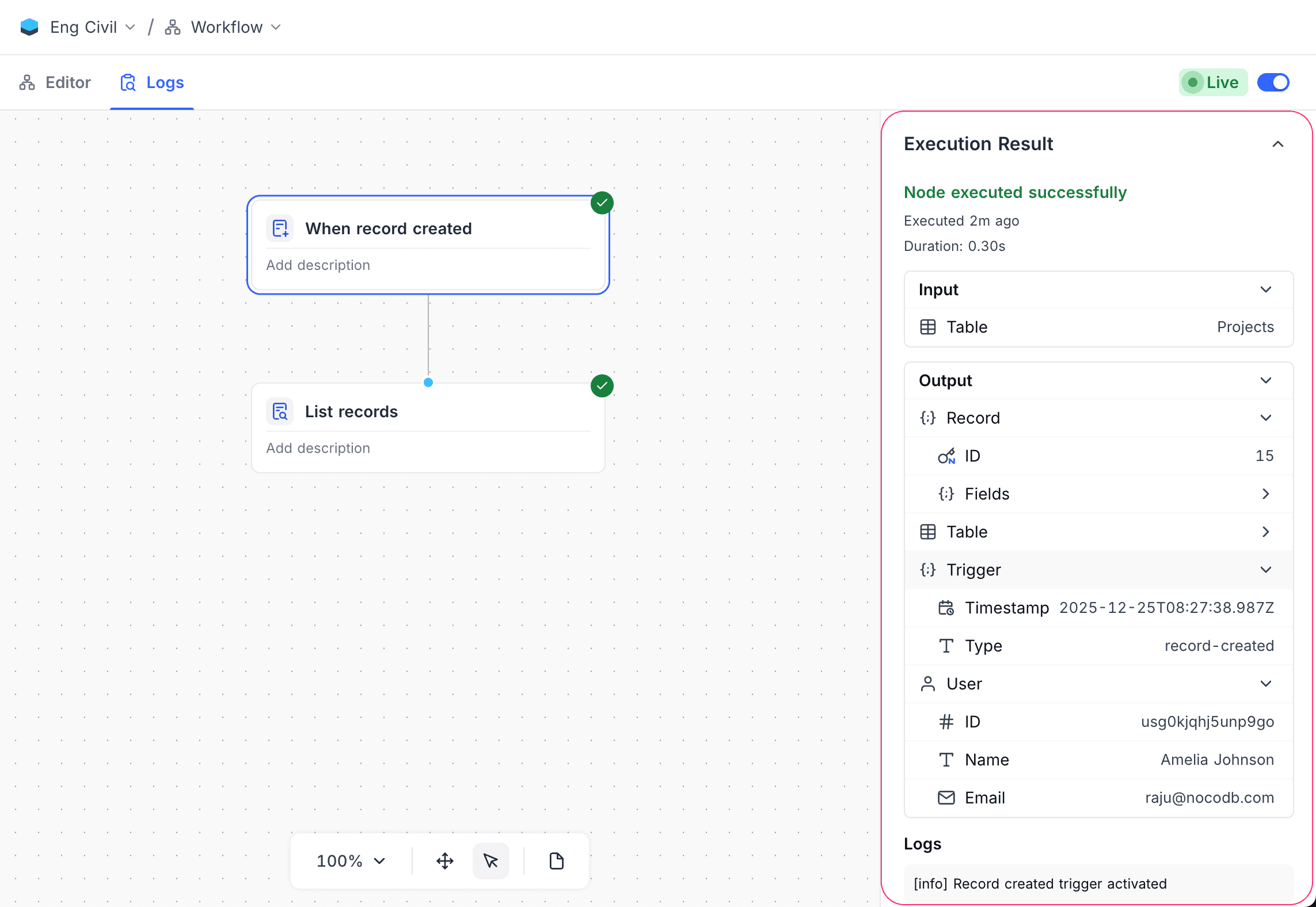
Actions on workflow
Learn how to rename, duplicate and delete a workflow in NocoDB.
Rename Workflow
To rename a workflow:
- Use
...actions button next to the workflow name in the Workflows list - Select
Rename workflow - Enter a new name and confirm
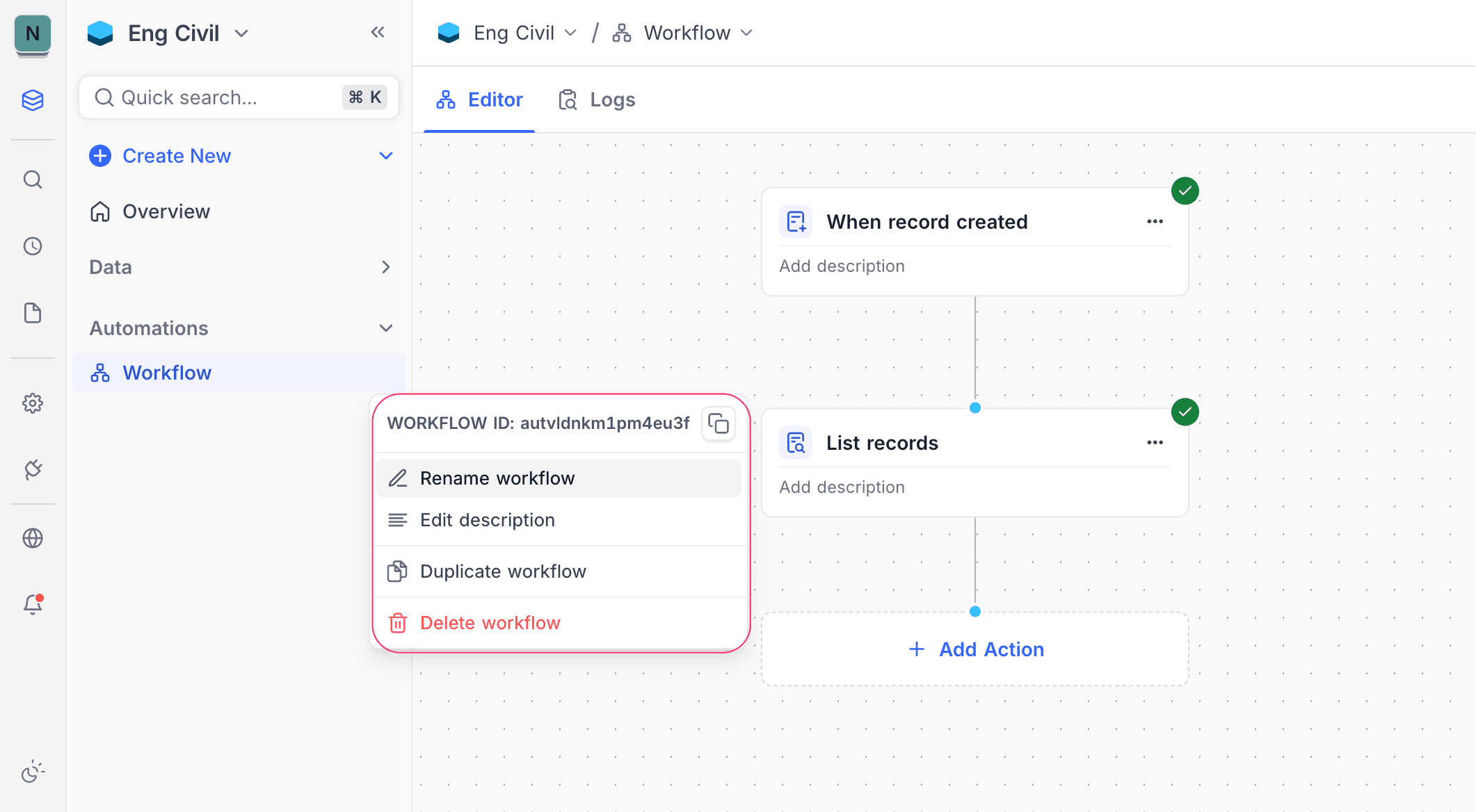
Duplicate Workflow
To duplicate a workflow:
- Use
...actions button next to the workflow name in the Workflows list - Select
Duplicate workflow
A copy of the workflow is created with a prefix Copy of.
Delete Workflow
To delete a workflow:
- Use
...actions button next to the workflow name in the Workflows list - Select
Delete workflow - Confirm deletion
Deleted workflows cannot be restored.
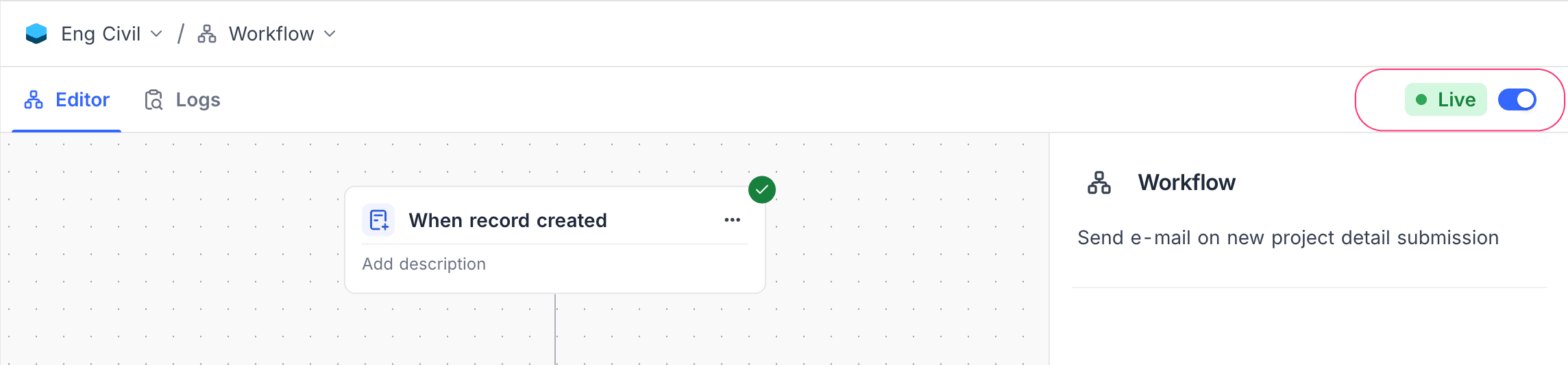
Enable or Disable Workflow
A workflow when enabled will execute its triggers and actions as configured. Workflow can be enabled or disabled as needed using the toggle button in the workflow toolbar.
Execution Logs
NocoDB provides detailed logs for each workflow execution to help monitor and debug workflows.
To view logs:
- Open the workflow
- On the toolbar, click on the Logs tab
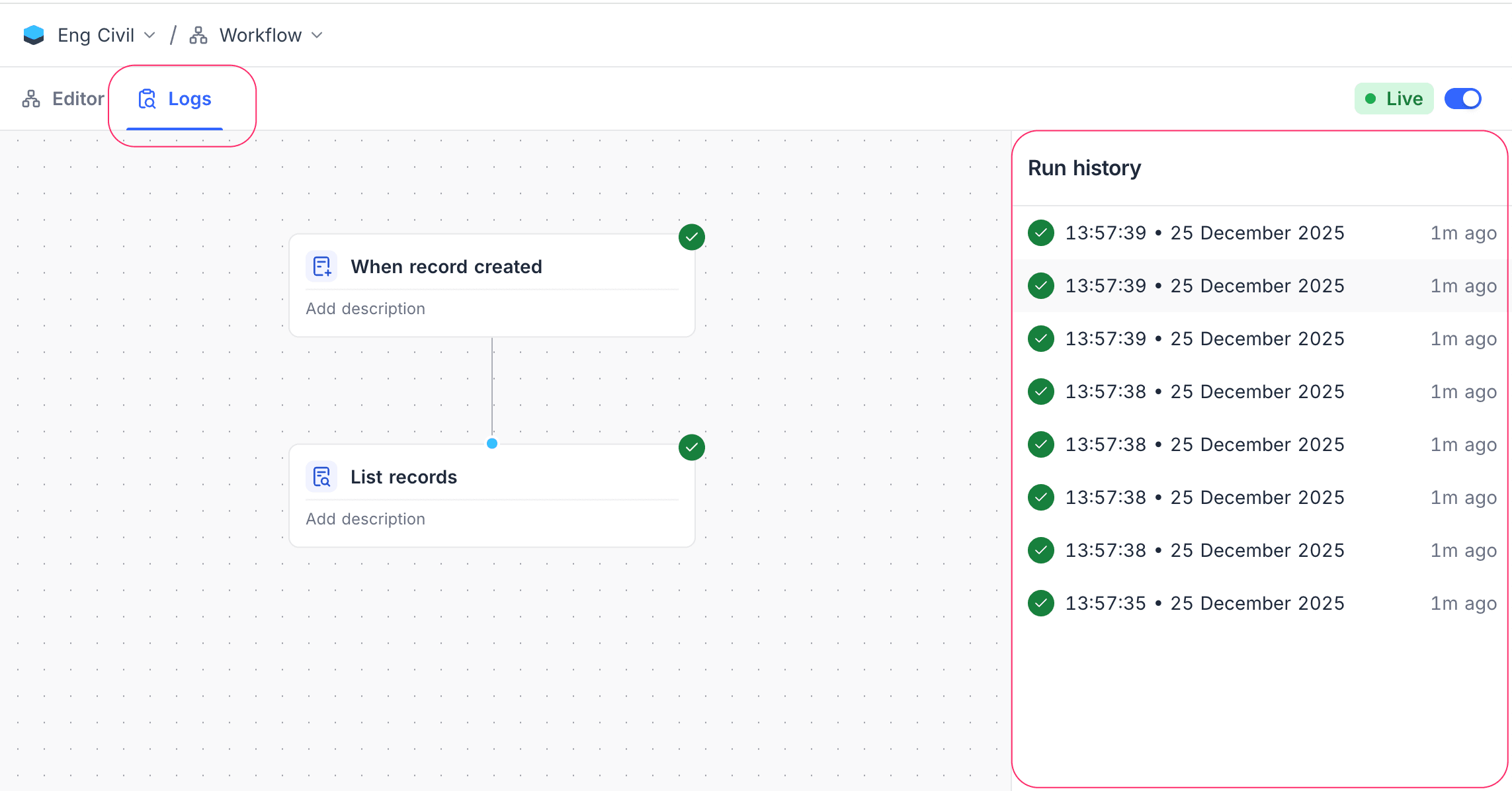
- Select a run to view trigger input, node execution status, and outputs
Execution list: View all workflow runs with status and timestamps.
Execution summary: Overview of selected run with trigger details and overall status.
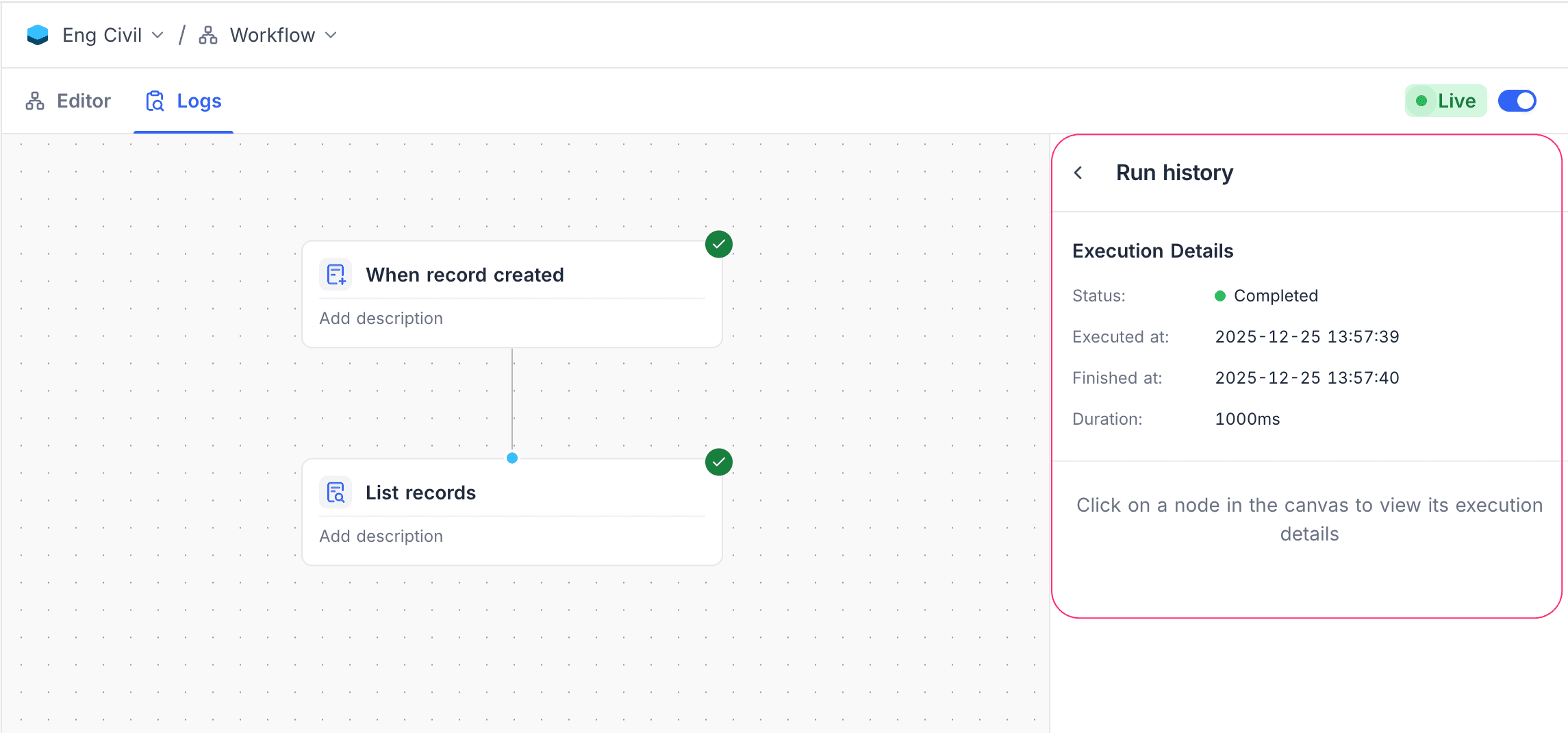
Node execution details: View input, output, and status for each node in the workflow. Select a node to see detailed information.