Outlook
The Outlook integration node in NocoDB workflows sends emails from a connected Microsoft Outlook account. Use this node to send automatic notifications, confirmations and other workflow emails through Outlook.
Ask NocoAI
Copy a prompt, paste it into NocoAI in any base, and replace the words in [brackets] with your own.
- When a record is added to [Leads], send them a welcome email from Outlook
- When [Status] changes to [Approved], email [the requester] from Outlook
- When an [interview] is scheduled, send [the candidate] an Outlook email with the details
Configuration
| Setting | Description |
|---|---|
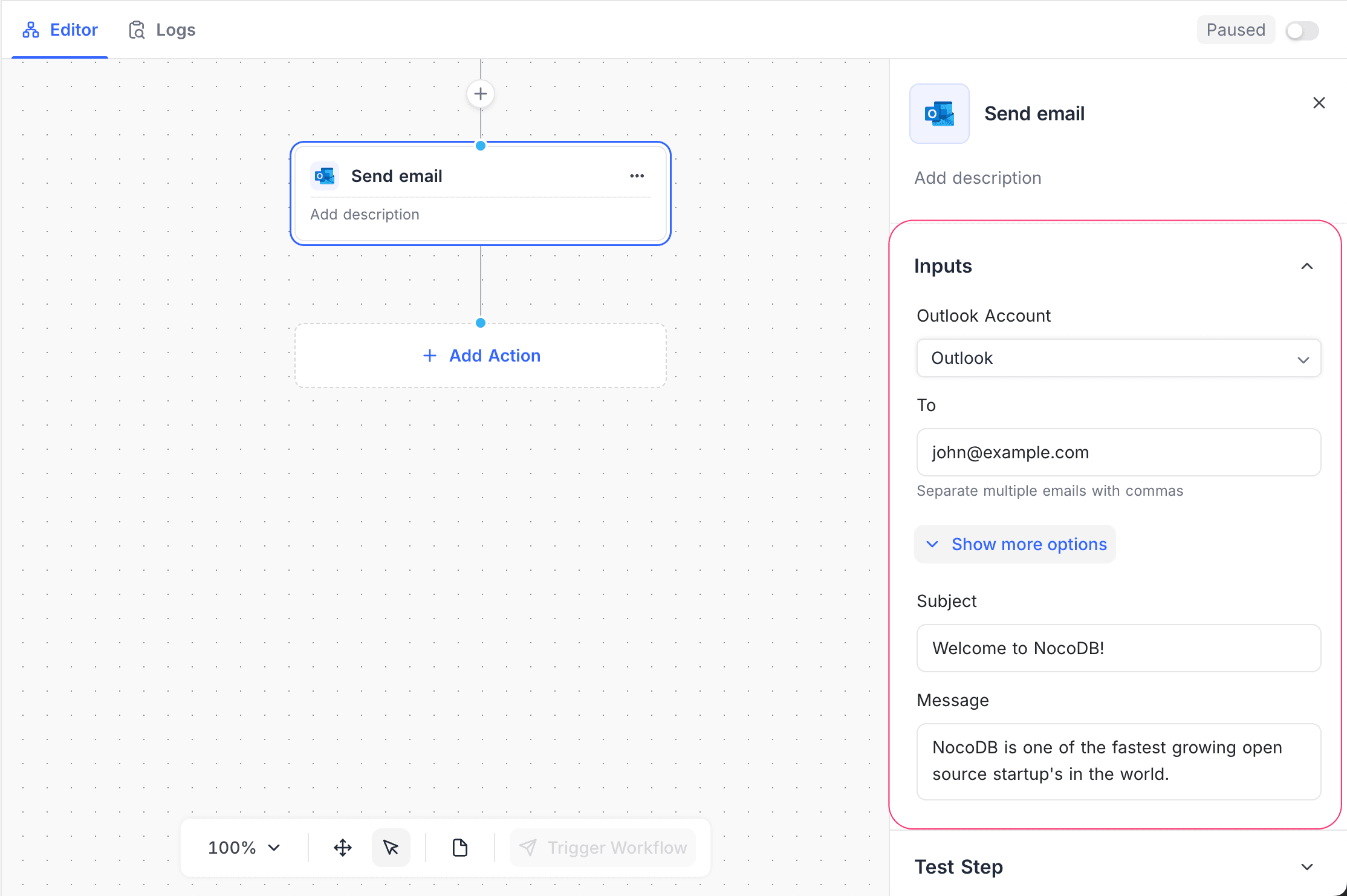
| Outlook Account | The connected Outlook account that sends the emails. You must configure at least one Outlook integration to use this node. For setup instructions, refer to Integrations. |
| To | One or more recipient email addresses. Use commas to separate the addresses. |
| Subject | The email subject. You can use static text and dynamic values from the workflow context. |
| Message | The email body. Write it in the rich text editor, with headings, lists, colors, alignment, and links with custom anchor text. You can insert dynamic fields from previous workflow nodes. NocoDB sends a formatted message as HTML with a plain-text copy. |
| Attachments | Files to send with the email. Each file comes from an attachment field in an earlier node, from a file that you upload, or from a URL. NocoDB downloads a URL attachment at the time that it sends the email, so the link must be public. One email carries a maximum of 10 files and 2.8 MB, which is less than other email nodes allow. Outlook also refuses a message that is larger than 4 MB after encoding, so a long body leaves less room for files. |
How it works
- The workflow reaches the Outlook node. The node composes the email from the configured subject and message.
- NocoDB resolves the dynamic values at run time.
- The selected Outlook account sends the email.
- The workflow continues after the email is sent.
Use cases
- Send approval or status notification emails.
- Tell stakeholders about record updates or workflow events.
- Send personalized emails with workflow data or AI-generated data.
Availability
- Available on NocoDB cloud plus plan onwards and licensed on-premise deployments.
Last updated on
Latest product updates?See Changelog